Cybersecurity
The Ultimate Breakdown: How GitHub got Breached & What It Means for AI Security

·4 min read
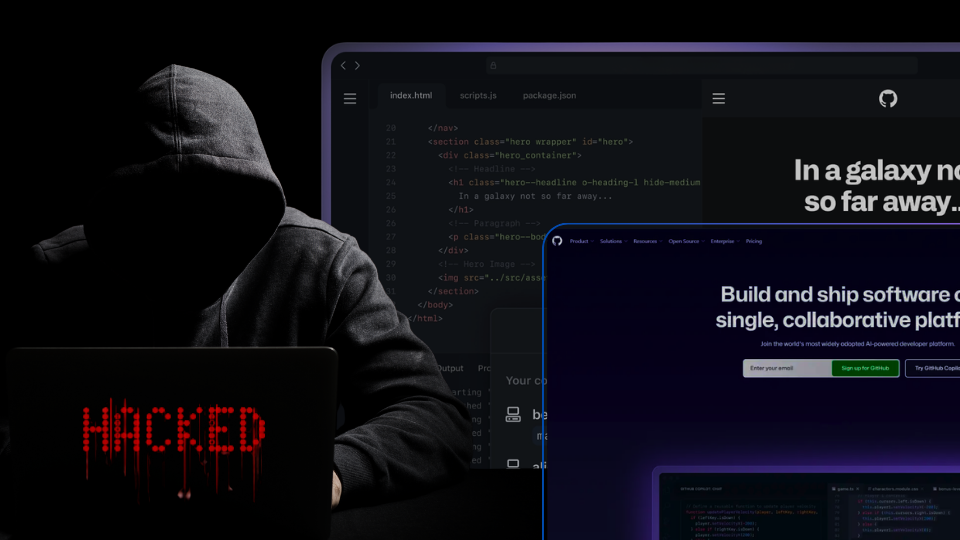
Hey builders! If you’ve been scrolling through dev-Twitter lately, you’ve probably seen the chaos: GitHub just confirmed a massive breach of their internal repos. But this wasn’t some brute-force movie-style hack. The notorious cyber-gang TeamPCP pulled off a mastermind supply chain attack right under our noses. For the next-gen of developers stepping into the AI space, understanding this playbook is absolute gold. Let’s unpack the tech stack, the sneaky AI disguises, and how the entire ecosystem just got a giant wake-up call.
The Tech Stack Takedown: What Actually Happened?
The entry point wasn’t a server vulnerability — it was a developer’s workstation. TeamPCP poisoned a super popular VS Code extension called Nx Console (which boasts over 2.2 million installs).
Here is exactly how the attack unfolded on the victim’s machine:
1. The Trigger (Setting the Trap)
The attack began the moment a developer either installed or updated their Nx Console extension to the poisoned version (v18.95.0) directly from the official Microsoft VS Code Marketplace.
2. The Disguise (The Trojan Horse)
Once active, the extension needed to run background scripts without alarming the developer. It masked its malicious activity by pretending to initialize an MCP (Model Context Protocol) workspace. Because MCP is a cutting-edge standard used by AI coding assistants to read local context, background shell processes executing npx commands looked like normal, modern AI tooling.
3. The Payload (The Silent Download)
While the developer thought their AI tools were syncing, the extension was actually reaching out to the web. It silently fetched a hidden, secondary package called nx-next. To avoid traditional security scanners, the attackers didn’t publish this to the npm registry; instead, they pulled it directly from a “dangling commit” (an unattached, hidden file state) on GitHub using standard runtimes like npm or Bun.
4. The Heist (Smash and Grab)
Once the nx-next payload executed, it immediately began scraping the developer’s machine. It aggressively scanned local environment variables and system memory, hunting specifically for high-value developer credentials. Its primary targets were GitHub access tokens, AWS keys, HashiCorp Vault secrets, and npm publishing tokens.
5. The Escape (The Getaway)
With the keys to the kingdom secured, the malware had to phone home without triggering the company’s network firewalls. It exfiltrated the stolen credentials using a mix of stealthy channels: standard HTTPS requests, DNS tunneling, and even routing the stolen data through the official GitHub API so the outbound traffic would blend in perfectly with a normal developer’s daily work.
Key Takeaway: The attackers didn’t attack GitHub’s walls; they attacked the tools GitHub employees trust. In the low-code and automated workflow era, your dependencies are your biggest attack surface.
The AI Angle: Why Is TeamPCP Targeting AI?
If you’re building AI-native tools or using Large Language Models (LLMs), you need to be paying close attention. AI was central to this attack in two massive ways:
1. AI as the Perfect Disguise
To avoid suspicion, the malicious extension claimed it was running an MCP (Model Context Protocol) setup. MCP is the bleeding-edge standard that allows AI coding assistants (like Claude or GitHub Copilot) to understand your local workspace context. Because AI tooling is new and constantly running background processes, developers didn’t question the automated command.
2. AI as the Ultimate Target
GitHub officially linked this VS Code breach to TeamPCP’s broader “Mini Shai-Hulud” supply chain campaign. This self-propagating worm didn’t just hit random packages; it specifically targeted the AI ecosystem.
The TanStack Wave (May 11, 2026) : TeamPCP compromised 84 versions across 42 TanStack packages by exploiting GitHub Actions CI caches and extracting OIDC tokens from runner memory.
The AI Ecosystem Hit (Ongoing) : The worm actively targeted AI developer tools, poisoning packages in the mistralai and guardrails-ai namespaces to steal credentials from AI researchers.
The GitHub Breach (May 18, 2026) : The poisoned Nx Console extension hits the VS Code marketplace. GitHub detects the internal breach the next day.
So what’s the goal? AI companies hold incredibly valuable data, massive compute resources, and highly privileged cloud credentials
Leveling Up: How to Build Securely
For all the young founders and devs out there building the next big tech platform, this is your blueprint for staying safe:
Audit Your Automations: If you’re using visual builders, Make.com (opens in a new tab) workflows, or setting up GitHub Actions, lock down your permissions. Only give your agents and workflows the exact access they need.
Watch Your Extensions: Just because an extension has a “verified” badge or millions of installs doesn’t mean it’s safe today.
Embrace the Zero-Trust Mindset: If your AI backend relies on an external API or Python package, assume that package could be compromised tomorrow. Build fail-safes!
Stay frosty, keep shipping, and don’t let your guard down!
Share this blog
Written by Lana Louphul
Lana is a Techpreneur, AI Safety Researcher and Data Scientist, dedicated to building platforms to make tech education accessible to all. She shares her industry insights as a tech writer at Wecncode.
More from Lana Louphul